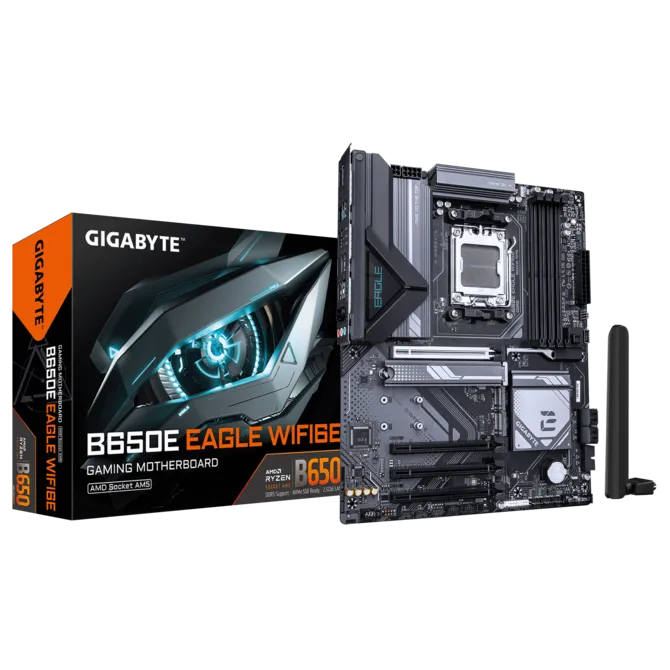
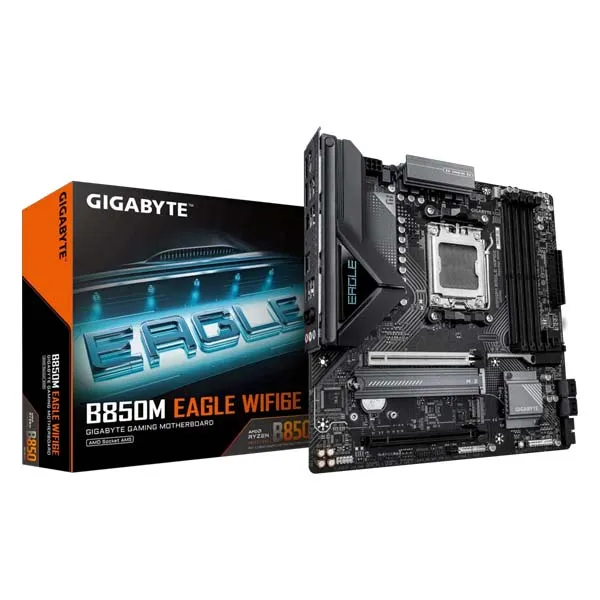
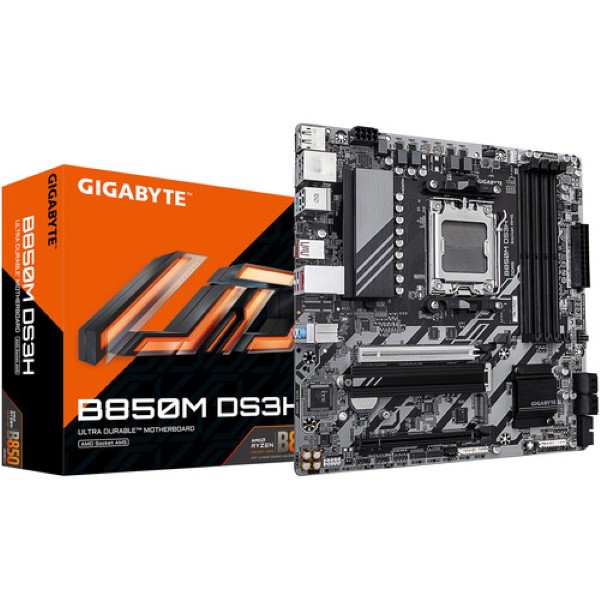
Gigabyte B650E EAGLE WIFI6E MotherboardAMD Socket AM5:Supports AMD Ryzen™ 7000/ Ryzen™ 8000/ Ryzen™ 9000 Series ProcessorsUnparalleled Performance:8 2 2 Phases Digital VRM SolutionDual Channel DDR5:4*SMD DIMMs with AMD EXPO™ & Intel® XMP Memory Module SupportSuperSpeed Storage:1*PCIe 5.0 2*PCIe 4.0 M.2 ConnectorsAdvanced Thermal Design & M.2 Thermal Guard :To Ensure VRM Power Stability & 25110 M.2 SSD PerformanceEZ-Latch Plus : PCIe x16 slots with Quick Release & Screw less DesignFast Networks: Wi-Fi 6E 802.11ax & GbE LANWIFI EZ-Plug: Quick and easy design for Wi-Fi antenna installationExtended Connectivity :DP, HDMI, Rear USB® 10Gb/sSmart Fan 6:Features Multiple Temperature Sensors, Hybrid Fan Headers with FAN STOPQ-Flash Plus: Update BIOS Without Installing the CPU, Memory and Graphics CardDurable PerformanceGIGABYTE Ultra Durable™ motherboards built with optimal components inside out provide the prime performance and timeless platform.Future ConnectivityThe ultimate connectivity with blazing data-transfer speeds through the next generation network and storage.Easy FriendlyInnovative and intuitive hardware, software, and BIOS interface design to create your personal style.PCIe EZ-Latch PlusEasy ejection with single click for graphics cards.Q-Flash PlusUpdate the BIOS easily without installing the CPU, memory, and graphics card.STEP 1: PPlug the 24-pin and 8-pin power supply cables into the motherboard.STEP 2: Download the motherboard BIOS file and rename it to “gigabyte. bin”. Save it to a USB flash drive formatted in FAT32.Insert the USB flash drive into the Q-FLASH PLUS USB port.STEP 3: Press the Q-FLASH PLUS button, and the motherboard will start updating the BIOS automatically.Smart Fan 6ensures optimal cooling and quiet operation for your gaming PC, with support for PWM/DC fans and pumps, customizable settings, and intuitive temperature monitoring.High Current Support: Each fan headers support PWM and DC fan and Water Cooling Pump , and up to 24W (12V x 2A) with Over-Current Protection.Precision Control: Multiple temperature/fan speed control points for precise fan curve.Dual Curve Mode: Slope/Stair dual mode for different user scenario.Fan Stop: Fan can stop completely below users’ specified temperature point.Smart Fan 6 BIOS UIEnhance Fan Curve UI : Enhance fan curve control with an expanded number of control points, from 5 to 7, and a larger fan speed graph, enabling users to have more precise and effortless control over fan curve settings.Slope/Stair Dual Graph Mode : Switch between Slope and Stair modes to adapt to various user scenarios. Slope mode provides a linear fan speed curve, while Stair mode maintains a constant fan speed within specified temperature intervals.Manual Input : For advanced users, manual input of fan speeds is available for fine-tuning and precise control over the cooling system.EZ Tuning : Simplify the process with EZ Tuning by setting 4 points on a rough temperature/fan speed scale. Smart Fan 6 will quickly generate a fan curve based on these points.Fan Curve Profile : Save your customized fan curve profile in the BIOS ROM, ensuring it remains intact even after BIOS updates.WIFI EZ-PlugThe WIFI EZ-Plug design integrates Wi-Fi antenna plugs into one adapter, EZ to install.GIGABYTE Control CenterUnified software platform for all Gigabyte supported products.– Intuitive user interface– Modularized control– Auto update